NinjaTrader Transaq MOEX Finam Data Connector
Carefull Data at Ease from the MOEX Exchange
Carefull Data at Ease from the MOEX Exchange
Why NC Transaq Adapter
Your broker's terminal shows MOEX prices, but your charts, order-flow tools and strategies live in NinjaTrader. NC Transaq Adapter brings MOEX into NinjaTrader 8 through your broker's TRANSAQ Connector: shares, FORTS futures, currency, bonds and indexes, with history, every trade and the order book. Everything works in 64-bit NinjaTrader 8.
The adapter is a NinjaTrader connection. It logs in to your broker's TRANSAQ server with your Connector login. The TRANSAQ XML Connector comes with it.
MOEX shares, FORTS futures, bonds, currency, indexes, SPB and international. About 25,000 instruments in one searchable window.
Real NinjaTrader futures with point value, contract months and rollover dates, ready for merged charts.
1-minute and daily bars from the server, today's trades from the open, and every tick kept on disk.
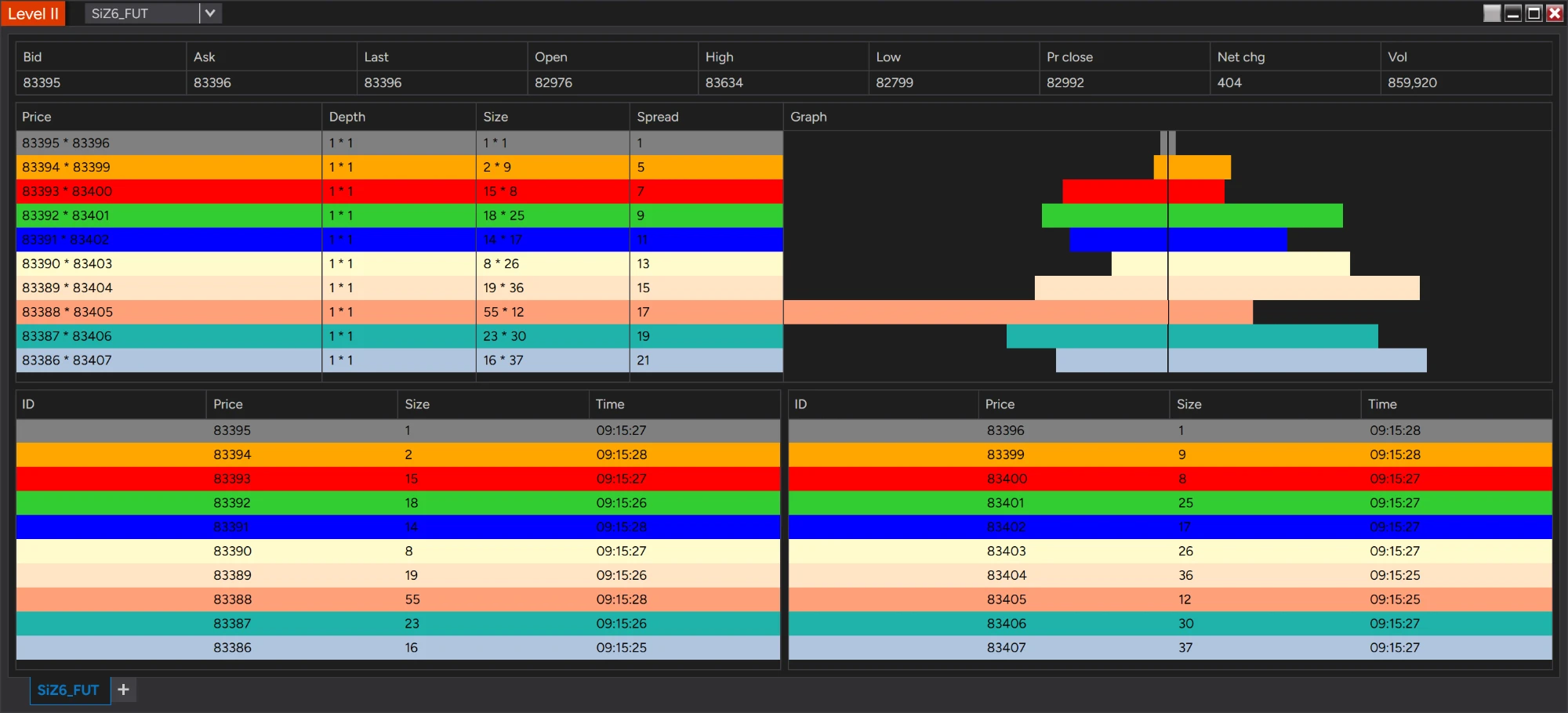
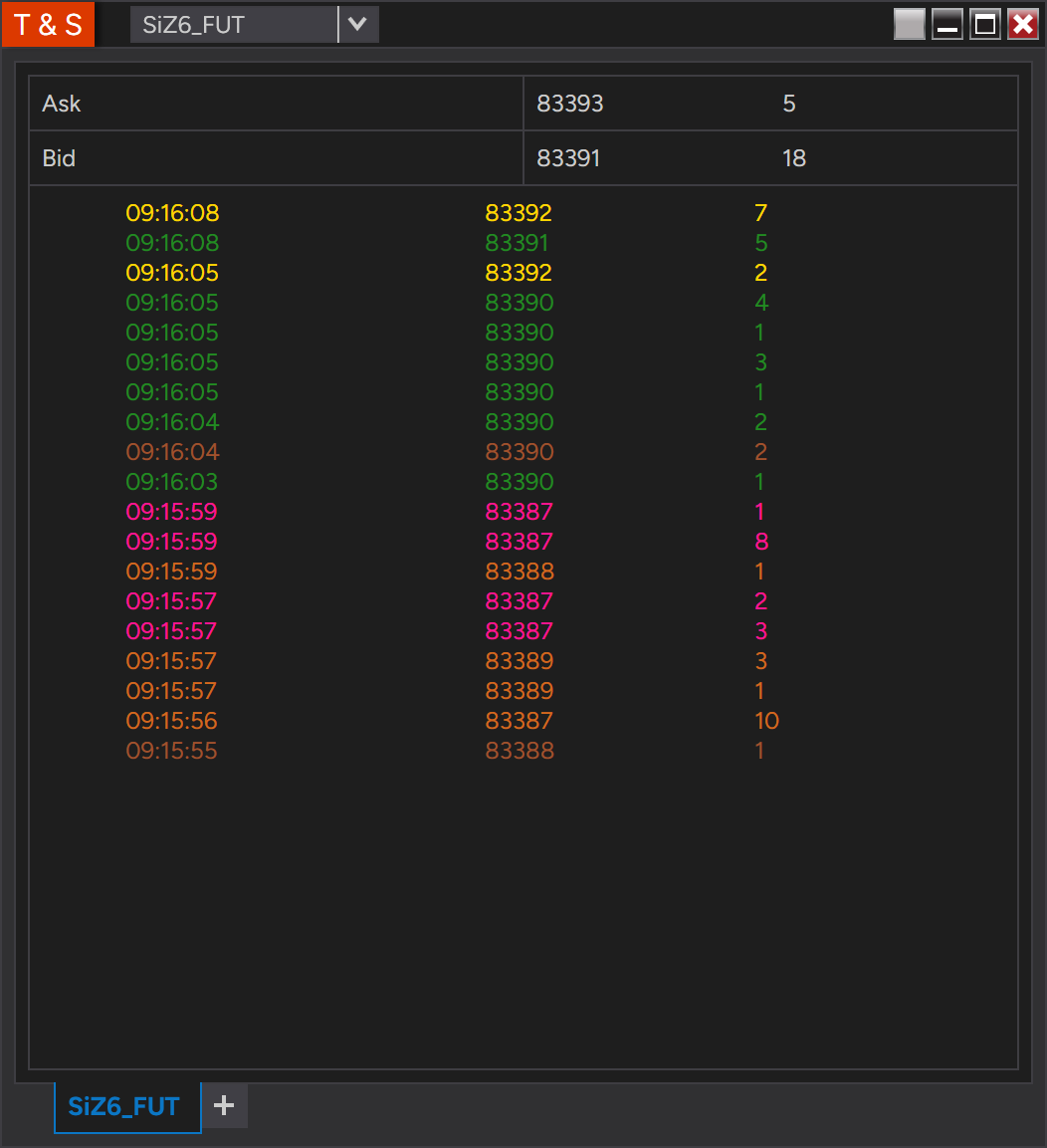
Last trade, bid and ask, Time & Sales, and the MOEX order book up to 50 levels per side.
Charts and history
Open a chart, type the instrument name and choose any bar type. The adapter loads exactly the history NinjaTrader asks for.
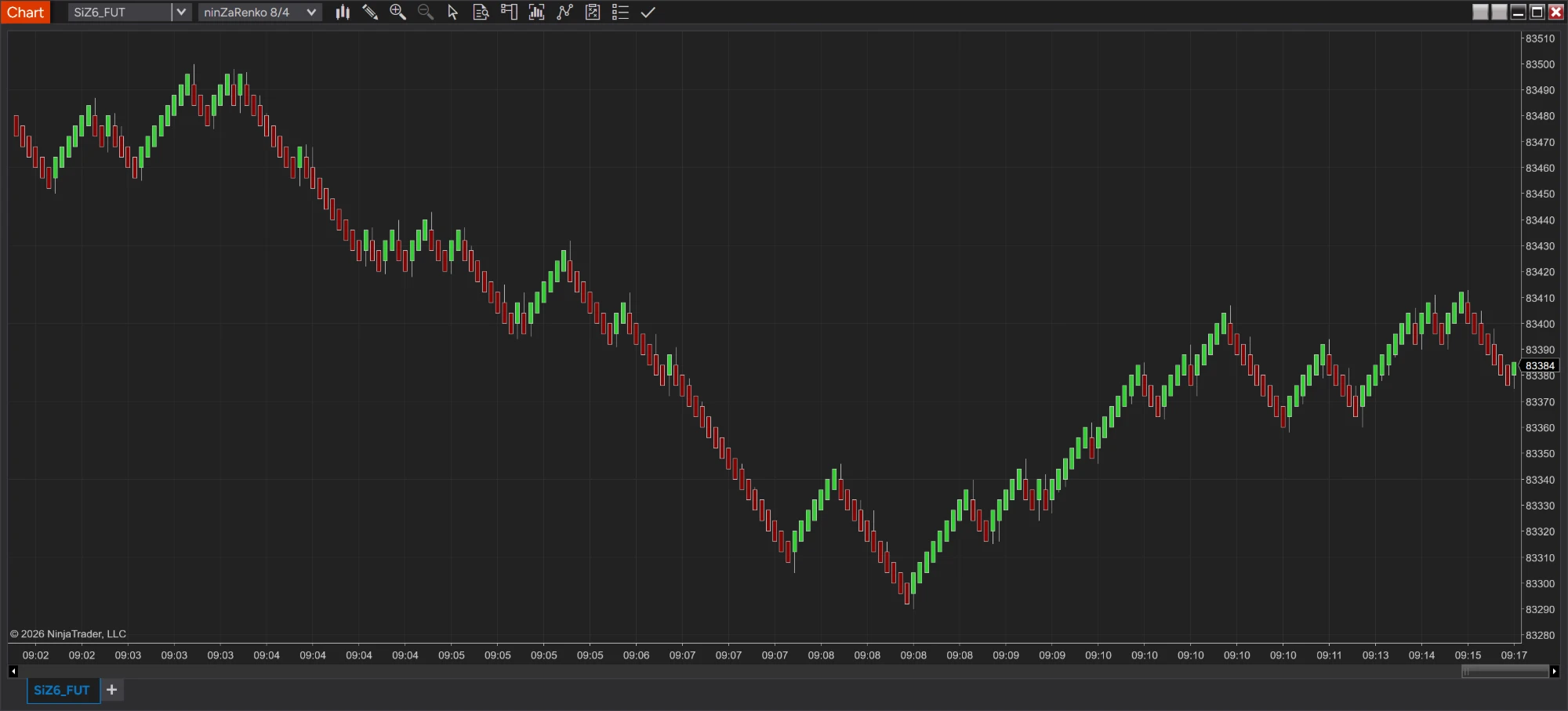
| Bar type on the chart | Data loaded from TRANSAQ |
|---|---|
| Day, Week, Month, Year | Daily bars for years: SBER back to 1999, a future back to the day it was listed. |
| Minute, and every timeframe NinjaTrader builds from minutes | 1-minute bars for about the last month, usually in a few seconds. |
| Tick, Second, Renko, Range, Volume and other bars built from ticks | Every trade: today's from the server, earlier days from the ticks saved on your computer. |
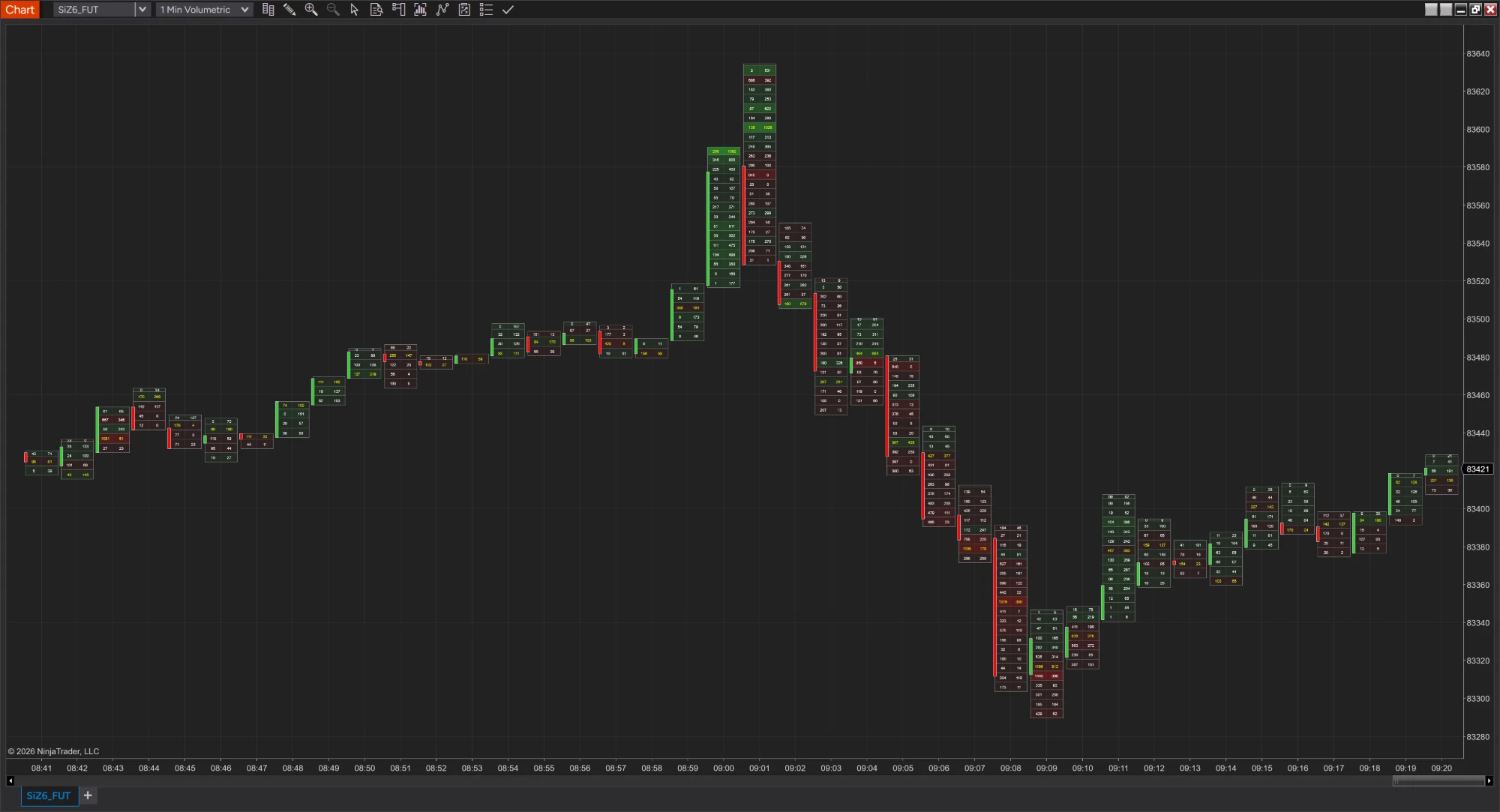
Because every trade lands on the right side, NinjaTrader's Volumetric bars show real bid and ask volume at each price on MOEX instruments, in contracts. History and live trades both. Volumetric bars are part of NinjaTrader's Order Flow+.
FORTS futures
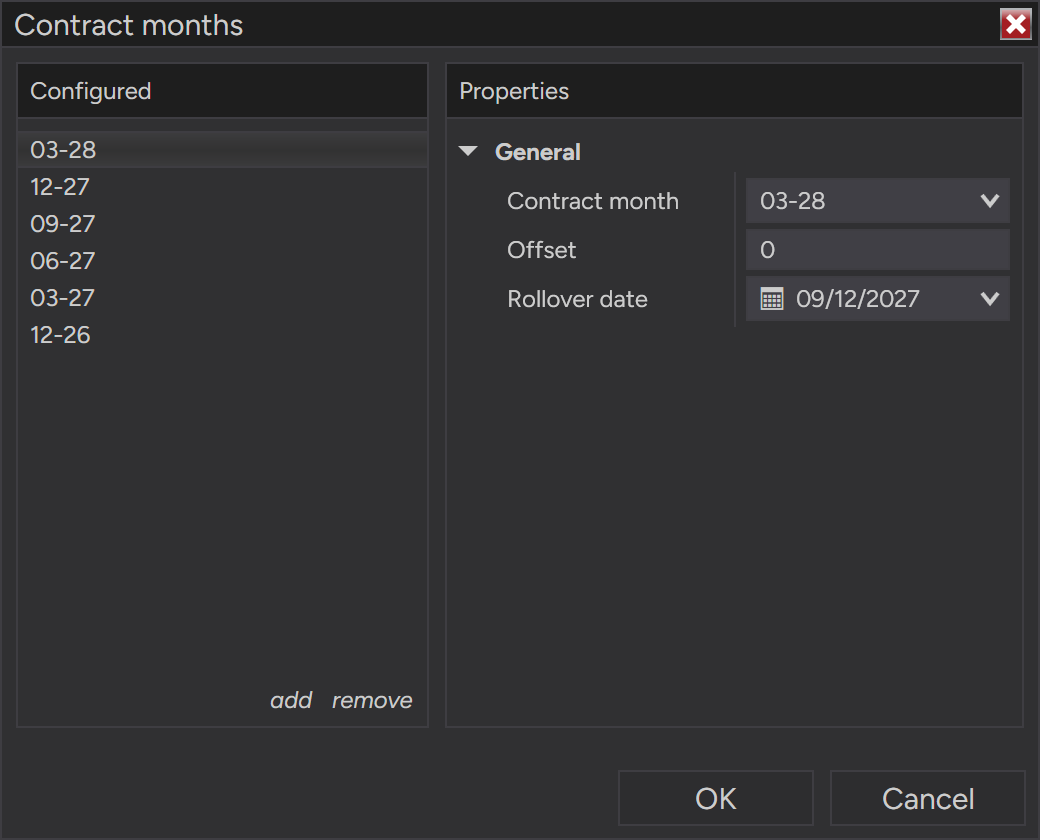
Si, RTS, BR, GOLD and every other FORTS future comes in as a real NinjaTrader future: one instrument per underlying, a contract for every month, and the point value from MOEX. Add one month and every month still trading comes with it.
Tick data
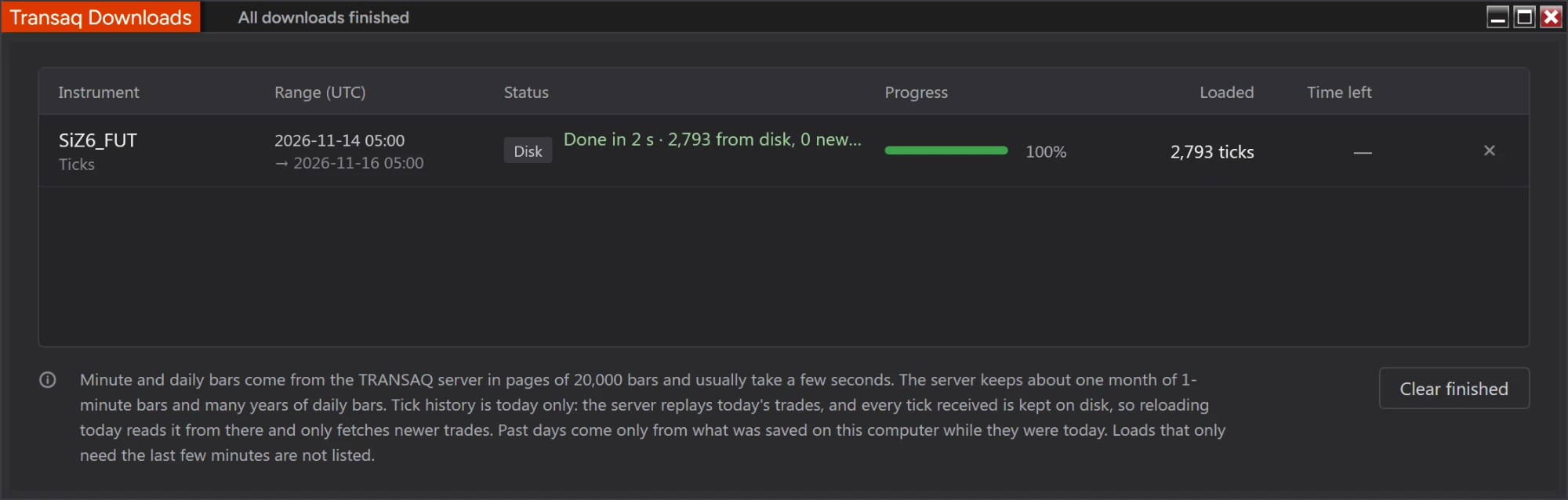
A TRANSAQ server hands out today's trades only, replayed from the open. The adapter keeps every tick it loads on your computer, one file per instrument and day, so your tick history grows with every trading day and each reload only asks the server for the newest trades.
| Day | Where its ticks come from |
|---|---|
| Today | The TRANSAQ server, replayed from the open: 25 to 40 seconds on a busy future by midday. Saved to disk, so the next load reads it from there. |
| Earlier days | Your disk: the ticks the adapter saved while that day was today. |
Live data and Level 2
While connected, charts update with every trade, and bid and ask follow the best prices on the exchange. For Level II and the SuperDOM the adapter keeps its own copy of the order book from TRANSAQ's changes, and Time & Sales shows every trade.
Setup
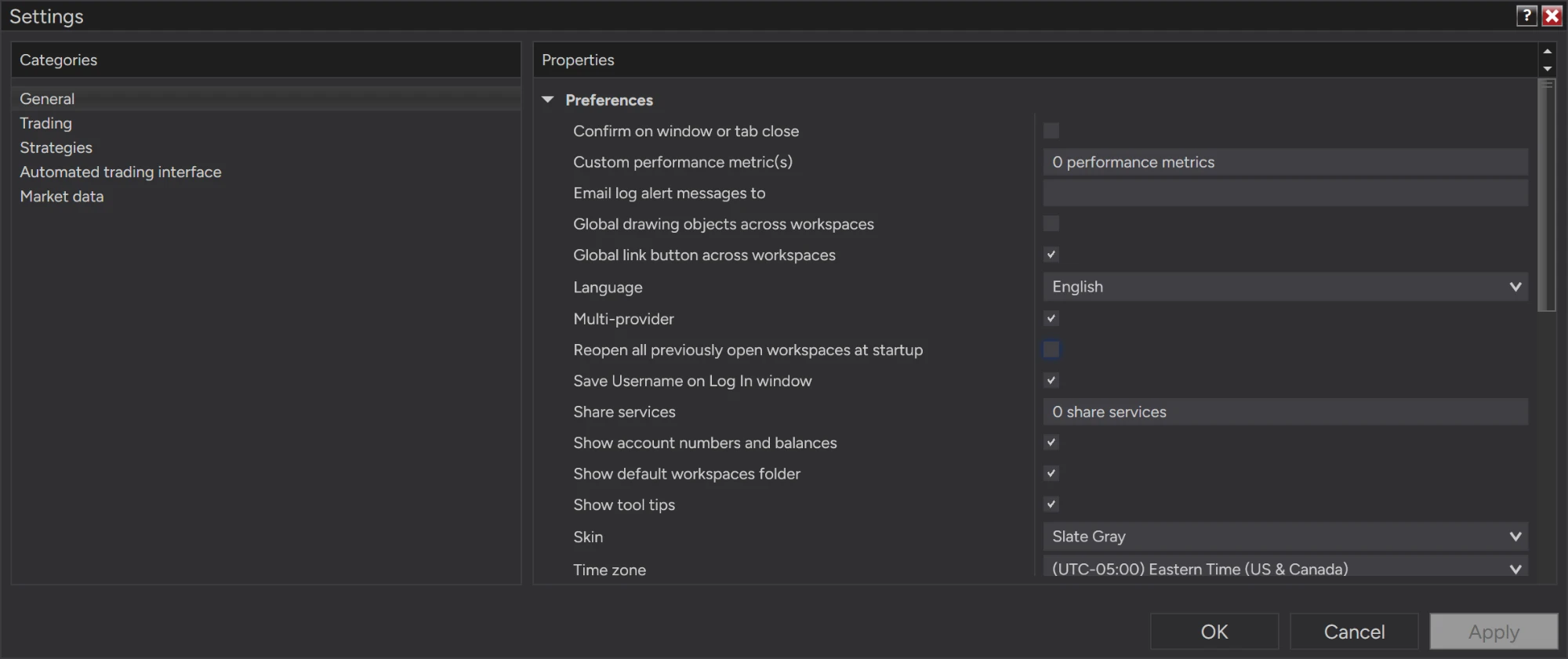
Import the add-on, then Tools → Options → General, tick Multi-provider and restart NinjaTrader. Without it the TRANSAQ connection doesn't show up.
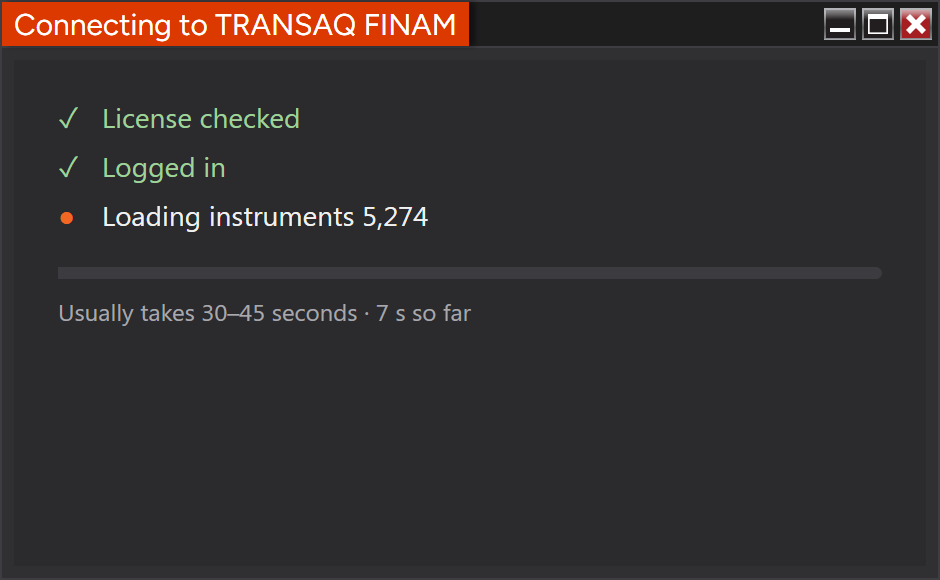
Connections → Configure, add NinjaConnectors MOEX Transaq, and enter your Connector login, password and the email of your ninjacoding.net account. Connecting takes 30 to 45 seconds while the instrument list arrives, and a window shows the progress.
New → Transaq Symbols lists every instrument your broker's server sends. Search, filter by market, and add the ones you want in one click.
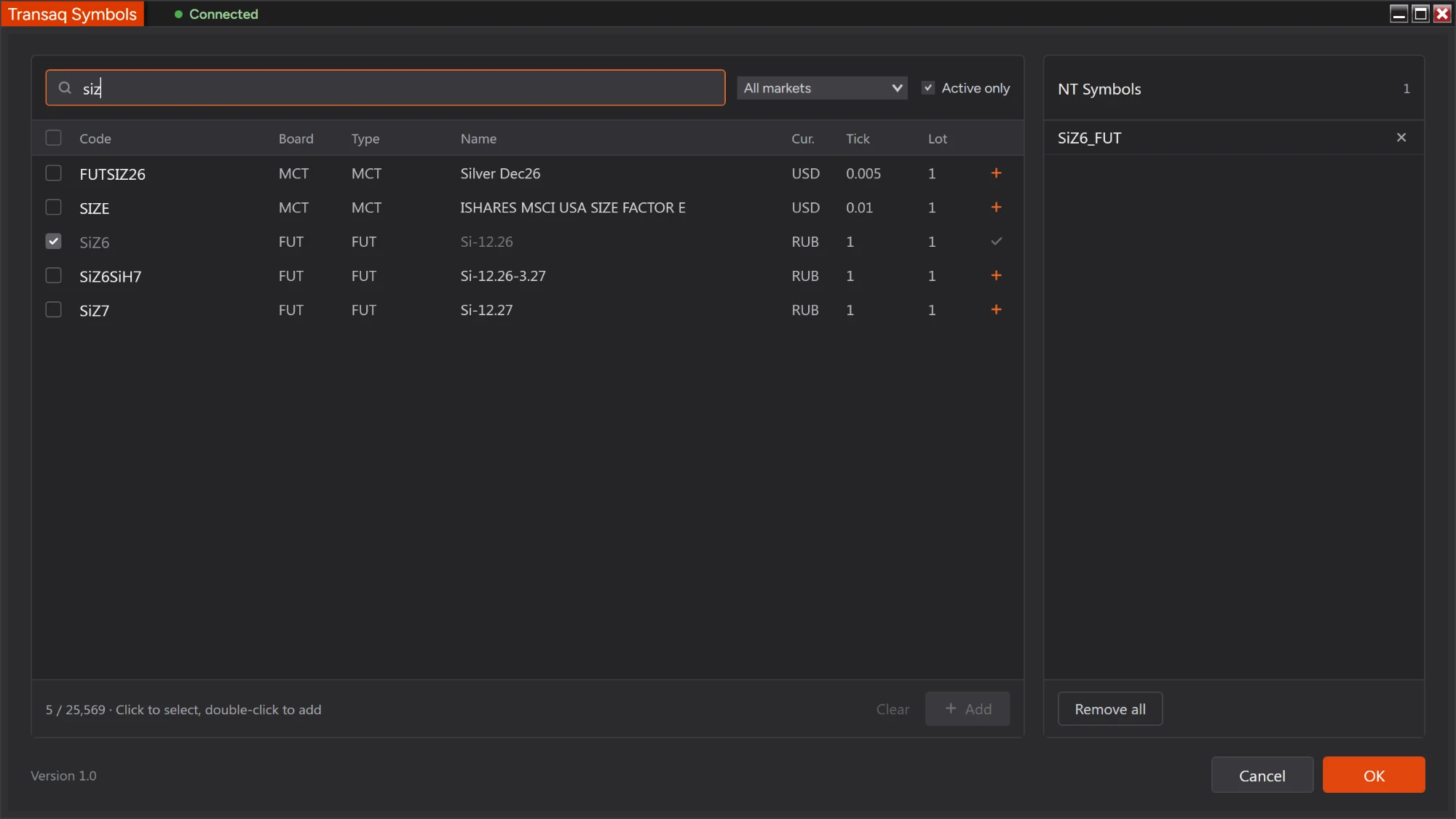
Type the instrument name and choose any bar type. Each instrument is named after its code and board; FORTS futures get a contract month:
| Instrument | TRANSAQ | NinjaTrader |
|---|---|---|
| Share | SBER · TQBR | SBER_TQBR |
| FORTS future | SiZ6 · FUT | SI_FUT 12-26 |
| Currency | CNYRUB_TOM · CETS | CNYRUB_TOM_CETS |
Who it's for
You trade on MOEX through a TRANSAQ broker and want its charts in NinjaTrader, with the indicators and workspaces you already use.
You trade Si, RTS or BR and read footprints, Level II and Time & Sales, with buys and sells on the right side of every bar.
You want to test ideas in the Strategy Analyzer on MOEX data, with FORTS point values that give results in rubles.
Before you buy
TRANSAQ has limits of its own. Here's what to expect.
Getting connected
Enter your broker's TRANSAQ Connector login and password in NinjaTrader, plus the email of your ninjacoding.net account for the license. The TRANSAQ XML Connector comes with the adapter.
The manual in Russian: Руководство пользователя (PDF)
FAQ
No. The adapter is a data connection only; it doesn't send orders to your broker.
It's tested with Finam. Other brokers whose TRANSAQ servers take a plain login and password should work: you enter their server and port in the connection settings.
A TRANSAQ Connector login. Open a Finam account and ask Finam for TRANSAQ Connector access; the login starts with FZTC or FZTS. A login for Finam's apps or the TRANSAQ terminal doesn't work. Finam gives Connector access to qualified investors and to clients with a confirmed status, not to every new account, so ask Finam which status you need.
Yes, with demo access to the TRANSAQ Connector, which Finam gives for 7 days. An ordinary demo account has no Connector login. We haven't checked how complete the demo server's data is, so a demo is at your own risk.
Daily bars go back years, for example to 1999 for SBER. 1-minute bars go back about a month, which is what the TRANSAQ server keeps. Tick history starts on the day you start loading tick charts.
Yes. Each future gets contract months with rollover dates and offsets, and NinjaTrader's merge policy works as it does for CME futures.
Yes. The adapter is built for 64-bit NinjaTrader 8 and runs the 64-bit TRANSAQ XML Connector inside NinjaTrader. There is nothing else to install or run.
No. It's inside the adapter's zip file, and NinjaTrader's import puts it where the adapter looks for it.
Turn on Multi-provider mode under Tools → Options → General and restart NinjaTrader.
Shares and FORTS futures, every trade, the order book.
View Price145.00 USD
Choose the License Type That Fits Best
Check Out What Else is Available